Create an alert of failed login attempt of users in Oracle database 11gR2
🔐 How to Create an Alert for Failed Login Attempts in Oracle Database 11gR2 (11.2.0.4)
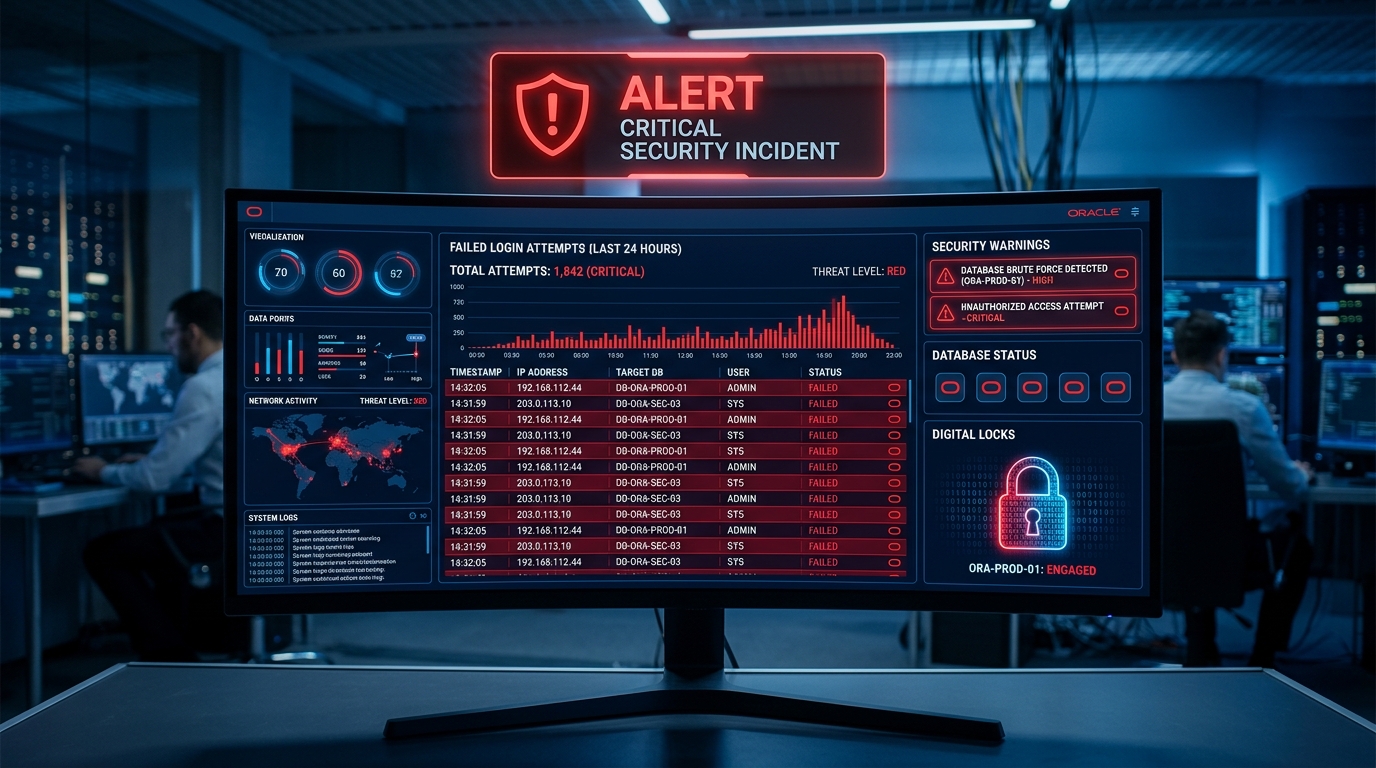
Failed login attempts can indicate invalid passwords, application issues, or even hacking attempts.
Oracle allows DBAs to capture, store, and alert failed login attempts easily using AUDIT, TRIGGERS, and EMAIL notifications (UTL_MAIL/UTL_SMTP).
This guide explains how to:
- Enable auditing for failed logins
- Create a table to store failed login events
- Create a trigger that captures failed logins
- Configure email alert for failures (optional but recommended)
✅ Step 1: Enable Audit for Failed Logins
Login as SYSDBA:
AUDIT SESSION;
This enables auditing of all login attempts (successful and failed).
Check if audit is enabled:
SHOW PARAMETER AUDIT;
Make sure the following is TRUE:
audit_trail = DB
If not, set it and restart:
ALTER SYSTEM SET audit_trail=DB SCOPE=SPFILE;
SHUTDOWN IMMEDIATE;
STARTUP;
✅ Step 2: Create a Table to Store Failed Login Attempts
CREATE TABLE failed_login_alerts
(
    event_time      DATE,
    username        VARCHAR2(30),
    os_username     VARCHAR2(50),
    userhost        VARCHAR2(200),
    terminal        VARCHAR2(50),
    return_code     NUMBER,
    authenticated   VARCHAR2(30)
);
🚨 Step 3: Create a Trigger to Capture Failed Logins
Oracle 11gR2 allows AFTER LOGON triggers with WHEN conditions.
Create the trigger:
CREATE OR REPLACE TRIGGER trg_failed_logins
AFTER LOGON ON DATABASE
WHEN (ORA_LOGIN_USER IS NOT NULL)
DECLARE
    l_code NUMBER := ora_sysevent();
BEGIN
    -- Failed login code is 1017: ORA-01017 invalid username/password
    IF (ora_login_user IS NOT NULL AND ora_account_status <> 'OPEN') THEN
        INSERT INTO failed_login_alerts
        VALUES (
            SYSDATE,
            ora_login_user,
            SYS_CONTEXT('USERENV', 'OS_USER'),
            SYS_CONTEXT('USERENV', 'HOST'),
            SYS_CONTEXT('USERENV', 'TERMINAL'),
            l_code,
            SYS_CONTEXT('USERENV','AUTHENTICATION_TYPE')
        );
    END IF;
EXCEPTION
    WHEN OTHERS THEN
        NULL;
END;
/
However… there is a limitation in Oracle 11gR2
Failed logins do NOT fire logon triggers because the trigger fires after login succeeds.
📌 The correct condition for failed logins is using AUD$ audit table (next section).
So the recommended method is:
✔ Query AUD$
✔ Or create scheduler jobs to check for ORA-1017
⭐ Recommended Method (Accurate)
Use AUD$ to Track Failed Logins
Failed login attempts are stored automatically in AUD$ when AUDIT SESSION is enabled.
Query failed attempts:
SELECT
   username,
   returncode,
   to_char(timestamp, 'DD-MON-YYYY HH24:MI:SS') AS time,
   os_username,
   userhost,
   terminal
FROM sys.aud$
WHERE returncode = 1017
ORDER BY timestamp DESC;
📢 Step 4 (Optional): Send Email Alerts Automatically
Enable Oracle SMTP:
EXEC UTL_MAIL.SETUP_MAIL_SERVER('smtp.yourserver.com', 25);
Create a scheduler job that checks for ORA-1017 events every 5 minutes.
Create a PL/SQL procedure:
CREATE OR REPLACE PROCEDURE send_failed_login_alert IS
    v_count NUMBER;
BEGIN
    SELECT COUNT(*) INTO v_count
    FROM sys.aud$
    WHERE returncode = 1017
      AND timestamp > SYSDATE - (5/1440); -- last 5 min

    IF v_count > 0 THEN
        UTL_MAIL.SEND(
            sender     => 'db-alerts@yourcompany.com',
            recipients => 'dba-team@yourcompany.com',
            subject    => 'ALERT: Failed Login Attempts Detected',
            message    => 'There have been '||v_count||' failed login attempts in the last 5 minutes.'
        );
    END IF;
END;
/
Create Scheduler Job
BEGIN
    DBMS_SCHEDULER.CREATE_JOB (
        job_name        => 'check_failed_logins',
        job_type        => 'STORED_PROCEDURE',
        job_action      => 'send_failed_login_alert',
        start_date      => SYSTIMESTAMP,
        repeat_interval => 'FREQ=MINUTELY;INTERVAL=5',
        enabled         => TRUE
    );
END;
/
🎉 Completed!
You have now created a working failed login alert system for Oracle 11gR2.
✔ Failed login events captured
✔ Stored in custom table or AUD$
✔ Scheduler job detects recent failures
✔ Email alert sent automatically
Tag:Oracle database